
6 steps and a final review
Restaurants
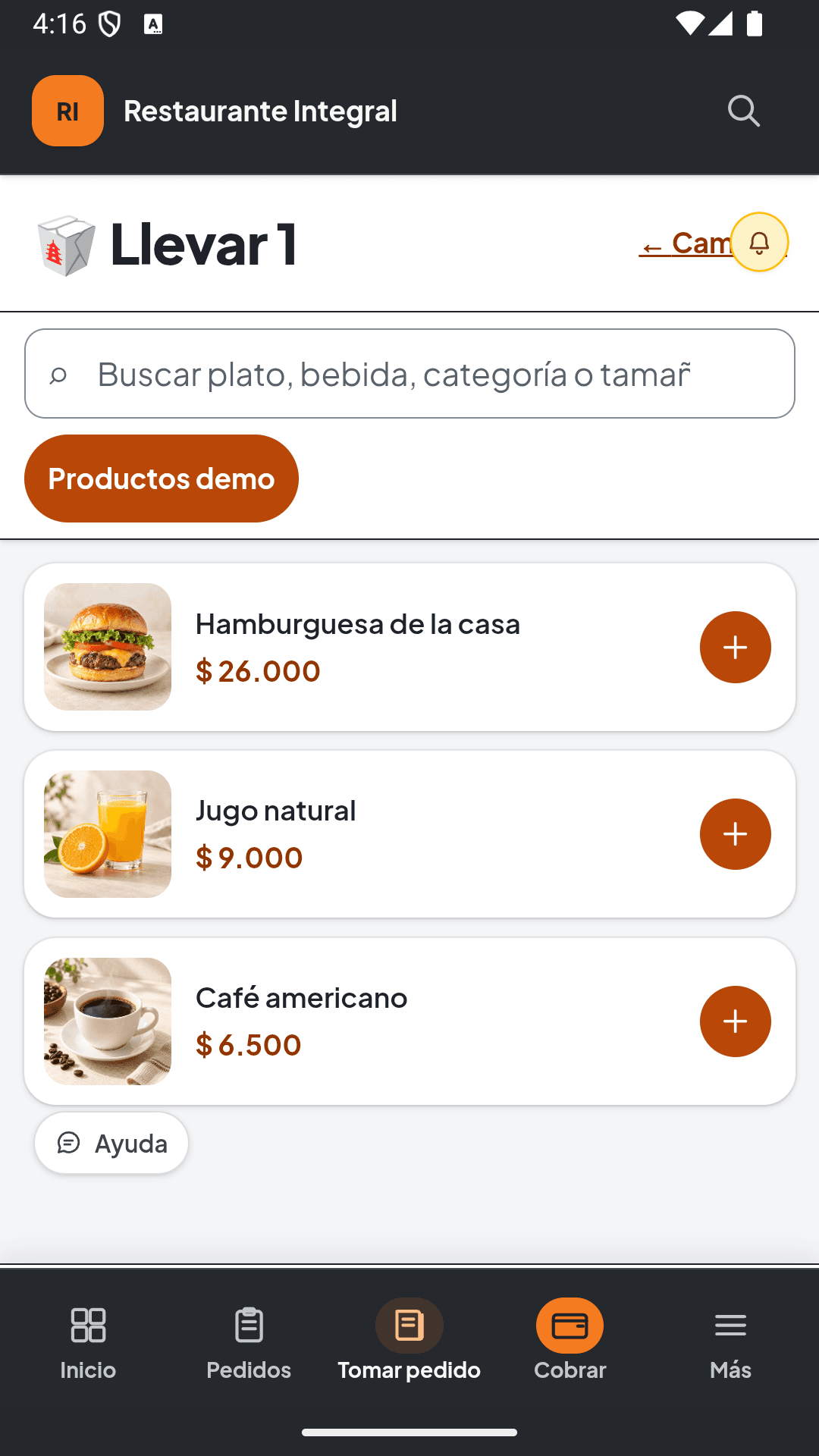
Prepare the menu, team and checkout before taking orders. If you use Integral, add tables and preparation to the workflow.
Restaurants guideGetting started guides
Choose your activity and learn what to prepare, configure and review before starting. Sample files help you bring your catalog across.
Go to import examples6 steps and a final review
Prepare the menu, team and checkout before taking orders. If you use Integral, add tables and preparation to the workflow.
Restaurants guide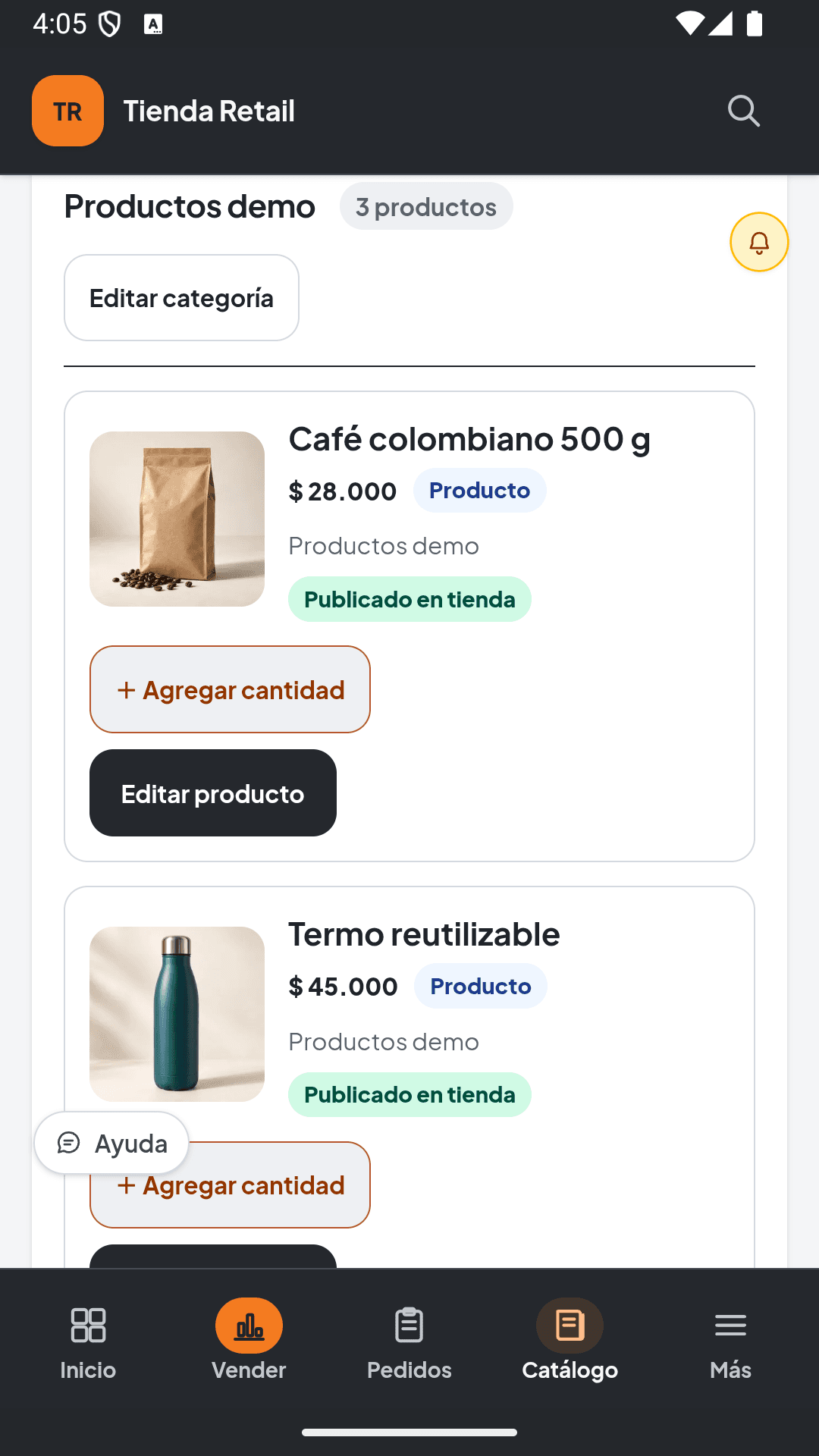
6 steps and a final review
Prepare products, costs and quantities. Check inventory before selling and review checkout at the end of the day.
Stores and retailers guide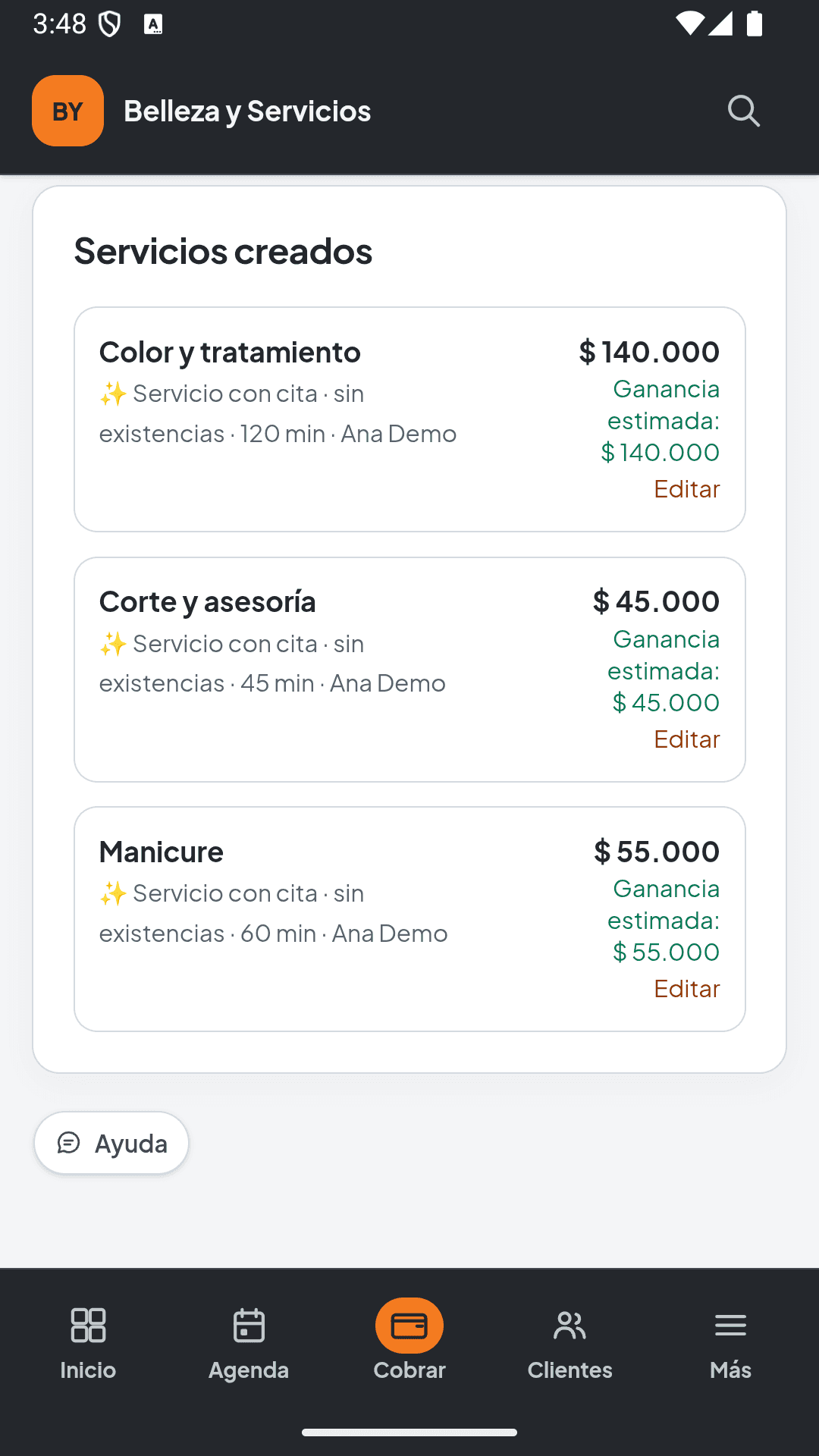
6 steps and a final review
Separate appointments from direct sales. Prepare professionals, schedules and payments while keeping the catalog distinct from scheduling.
Services and beauty guideApp screenshots use demonstration data. Available features depend on your solution, plan and permissions.
Use the information you already have
Download an Excel or CSV file for your activity, replace sample rows and learn how to review columns, prices and stock before saving.
View examples and instructions