
Getting started · Stores and retailers
Get your store's products and stock in order.
Prepare products, costs and quantities. Check inventory before selling and review checkout at the end of the day.
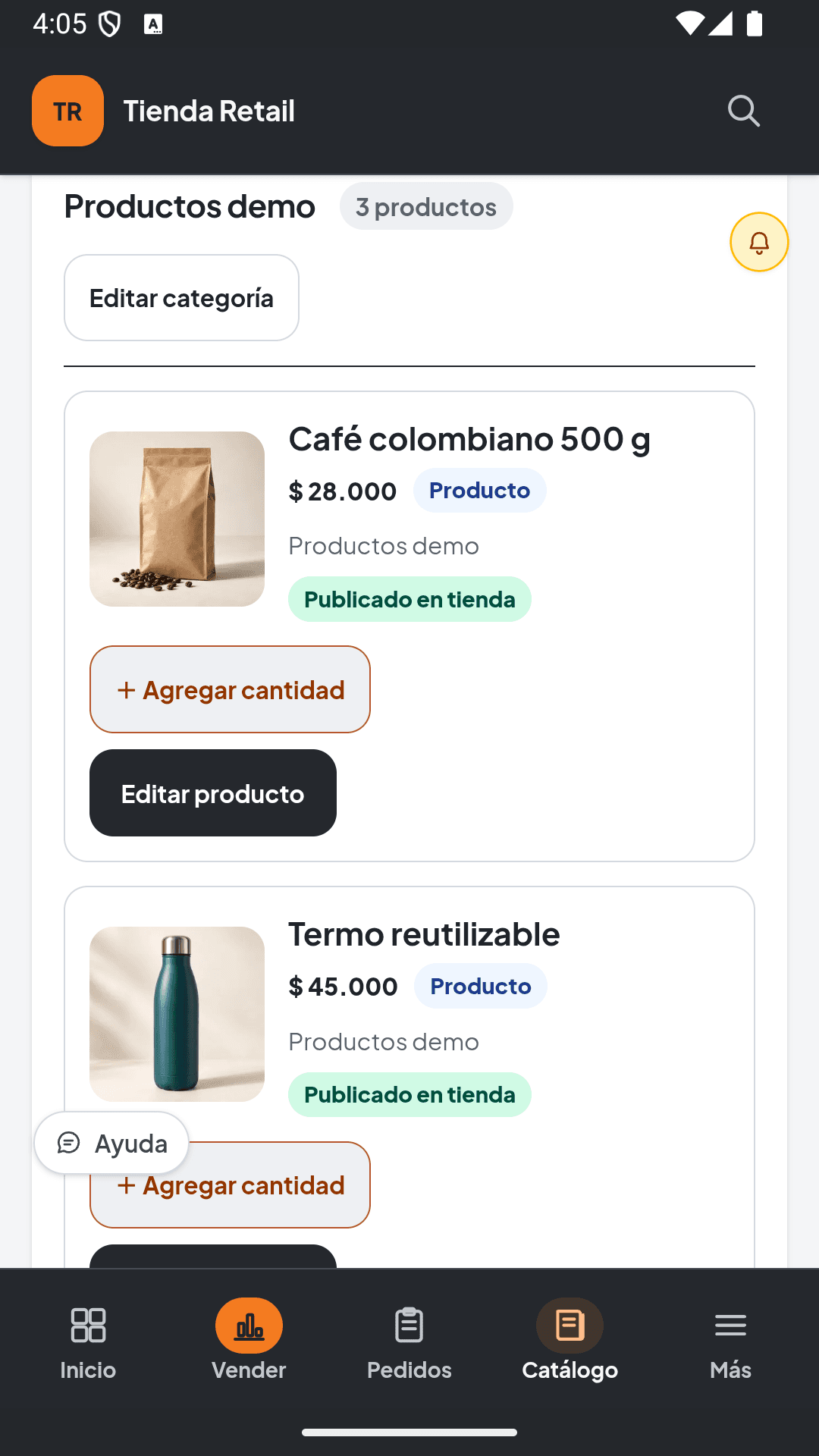
Have these ready.
- Product list with selling prices
- Codes or SKUs identifying each product
- Unit costs and a physical stock count
- Your own photos and catalog categories
Section names can vary by solution, language and permissions. Follow this guide with your business administrator.
From setup to day one
Follow this order.
Example quantities and costs are fictional. Replace them before importing and check the inventory capacity available in your plan.
Download the catalog example- 01
Create your store workspace
Select store and country during registration. Complete your business details and review the capacity of Free or Retail Digital.
Check: Your workspace is set up for a store and you know your plan limits.
- 02
Organize the product file
Use one row per product. Replace the examples with real names, prices, categories, codes, costs and quantities. A 0 means zero; leave blank only what you do not yet know.
Check: Each row represents an identifiable product and the numbers reflect your business.
- 03
Import and review the draft
From Catalog or Menu and products, open Import catalog and upload Excel or CSV. Confirm columns and review warnings, duplicates, prices and quantities before saving.
Check: Only the items you want to add are selected and warnings have been reviewed.
- 04
Check starting stock
In Retail Digital, physical products with reviewed quantities and costs can load into the main warehouse. Check the inventory result. If your plan uses manual stock entry, record quantities there. Do not repeat an entry already applied.
Check: System quantities match the physical count without duplicated stock.
- 05
Prepare the first sale
Configure payment methods and checkout. Find a product by name or code and check price, quantity and total before confirming the first real sale. Verify any scanner or printer you will use.
Check: You find the right product and review the total before charging.
- 06
Review your public catalog and the day
Check which products and photos appear on the customer website. Enable only configured channels. At day end, review movements, stock, costs and cash.
Check: Your public catalog reflects what you can offer and you know how to review daily operations.
Before you start operating
Review the essentials.
If something does not match your operations, correct it before sharing your catalog or confirming payments. You can ask for help with your specific situation.
Get setup help- No duplicate products
- Prices, costs and codes reviewed
- Physical count compared with inventory
- Checkout and devices checked
- Public catalog reviewed