
Getting started · Restaurants
Get your restaurant ready for its first service.
Prepare the menu, team and checkout before taking orders. If you use Integral, add tables and preparation to the workflow.
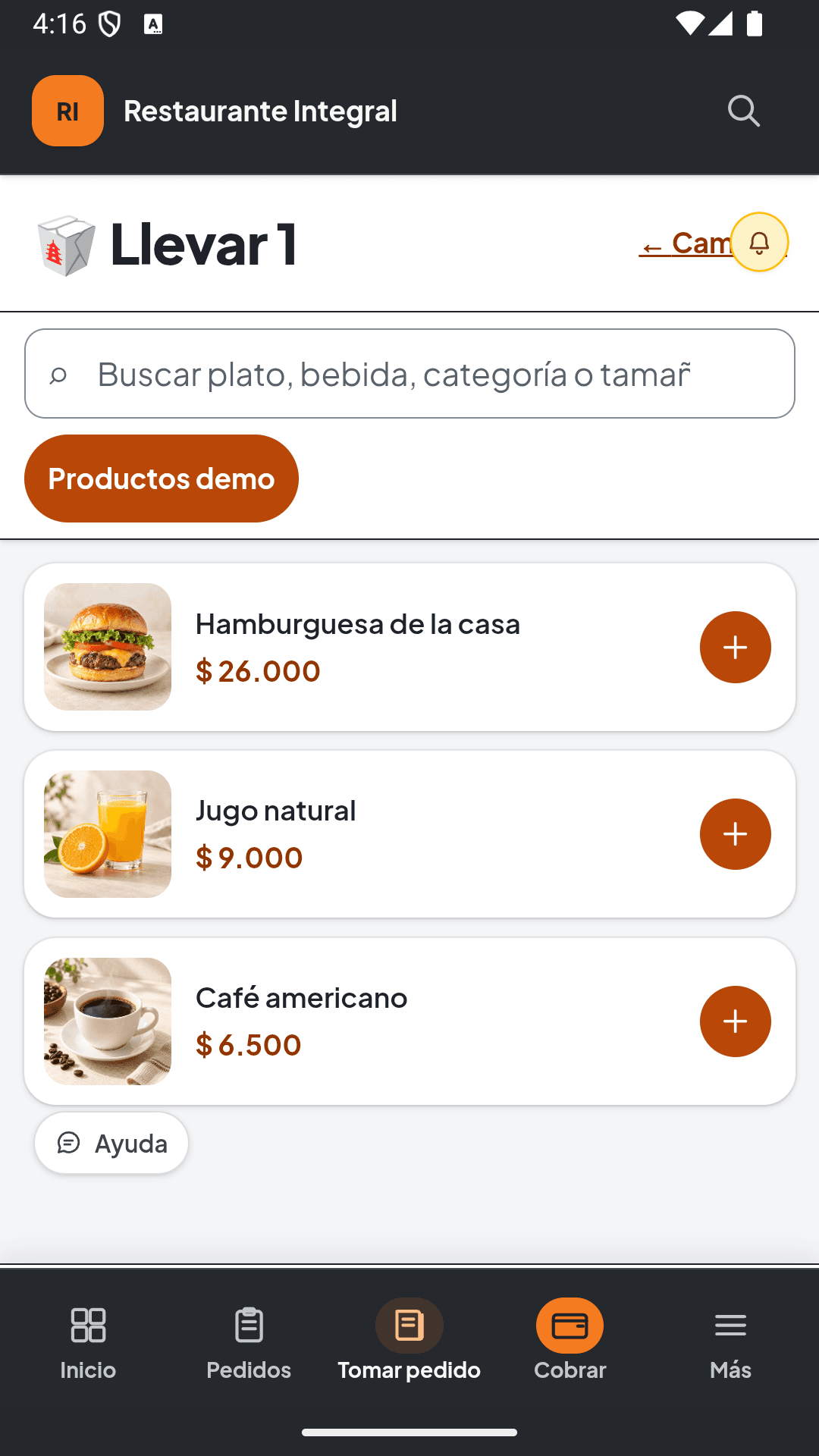
Have these ready.
- Business name and details
- Menu with reviewed categories and prices
- Your own photos of the dishes you will show
- Ingredients, units and starting quantities if you will track inventory
Section names can vary by solution, language and permissions. Follow this guide with your business administrator.
From setup to day one
Follow this order.
Tables, kitchen and preparation belong to Integral. Importing the menu does not configure recipes, devices or payment methods.
Download the catalog example- 01
Create your restaurant workspace
Select restaurant and your country during registration. Review Free or your selected plan and complete your company details.
Check: Your company shows the correct activity and details.
- 02
Prepare and import your menu
Open Menu and products or Menu, then find Import catalog. Start with the downloadable example, replace its data and review the column mapping before confirming.
Check: Dishes have the right categories, prices and descriptions.
- 03
Review photos and ingredients
Complete your menu photos. A dish quantity in the file does not create inventory: register ingredients and link recipes where appropriate. Beverages are managed under Inventory.
Check: The menu looks right and you know which ingredients or drinks to register.
- 04
Organize your team and service
Assign the permissions available in your plan. In Integral, configure the floor, tables and preparation before using them during service.
Check: People have access to their tasks; Integral options are configured if you need them.
- 05
Prepare checkout and review an order
Check payment methods and the cash shift. Walk through an order, its quantities and total before confirming the first real transaction.
Check: The order and amount match your menu and checkout is ready.
- 06
Review your customer website and closing
Check the public menu and channels enabled by your plan before sharing the link. At the end of the day, review payments, movements and cash closing.
Check: You share a reviewed catalog and know where to check the day's results.
Before you start operating
Review the essentials.
If something does not match your operations, correct it before sharing your catalog or confirming payments. You can ask for help with your specific situation.
Get setup help- Prices and categories reviewed
- Menu photos and availability checked
- Ingredients or recipes configured where needed
- Team and checkout ready
- Public channels reviewed before sharing