
Getting started · Services and beauty
Get your scheduling and customer service ready.
Separate appointments from direct sales. Prepare professionals, schedules and payments while keeping the catalog distinct from scheduling.
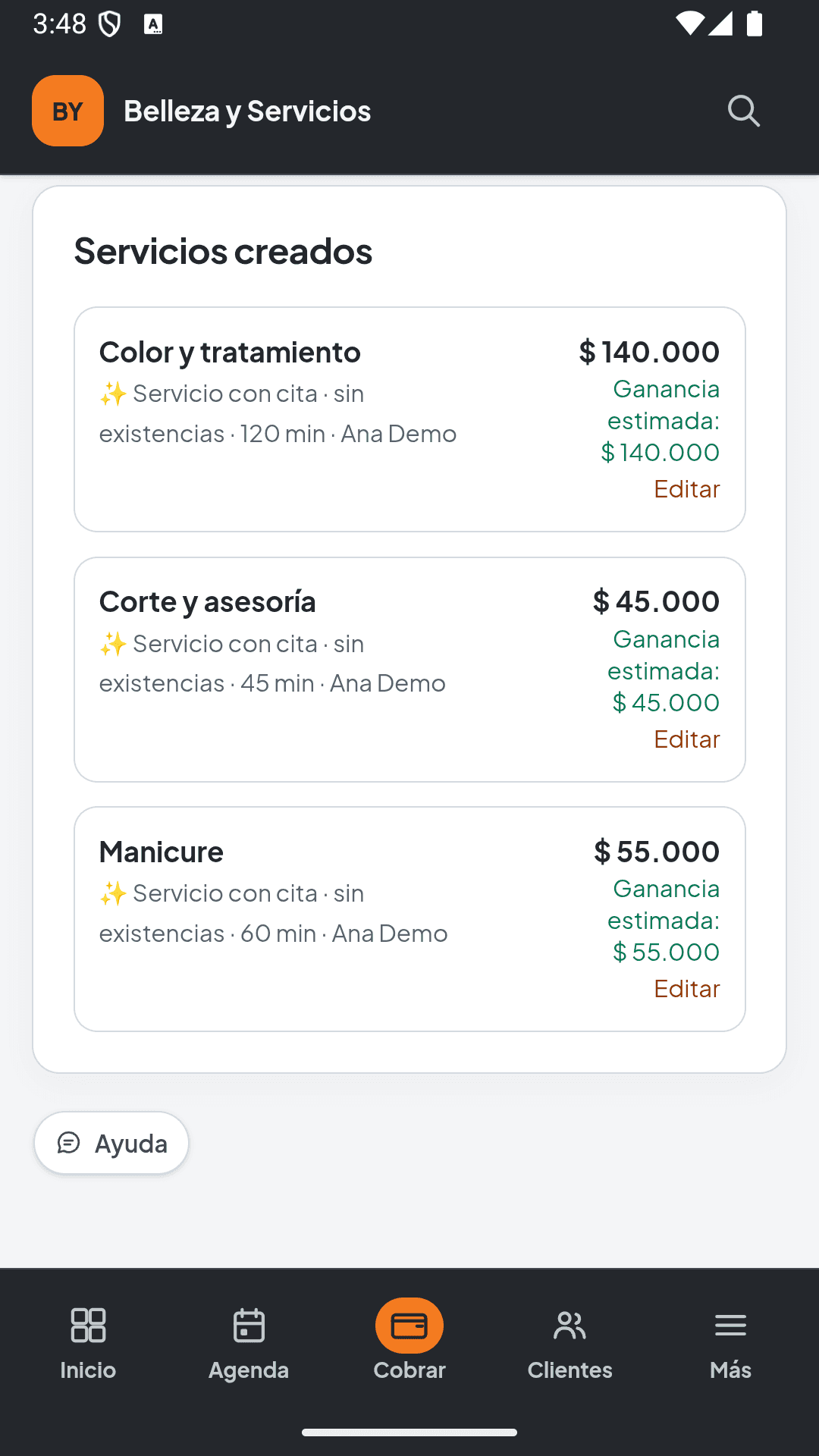
Have these ready.
- Services offered, prices and durations
- Professionals and their working hours
- Chairs, rooms or other resources that need booking
- Additional-sale products and deposit terms if you will use them
Section names can vary by solution, language and permissions. Follow this guide with your business administrator.
From setup to day one
Follow this order.
The services file loads the direct-sales catalog. Appointments are configured under Services and scheduling; features depend on your plan and permissions.
Download the catalog example- 01
Create your services workspace
Select services and country during registration. Complete your business details and review Free or Services Essential.
Check: Your workspace is set up for services and you know its scheduling and team capacity.
- 02
Separate appointments and direct sales
A bookable service needs duration and availability. A direct service is charged without reserving a time slot. Physical products, such as wax or shampoo, have inventory.
Check: You know which services need scheduling and which are sold directly.
- 03
Configure bookable services
Under Services and scheduling, create services that require booking. Review price, duration, professionals, availability and resources before offering time slots.
Check: Each bookable service has its details and the right professional or resource.
- 04
Load the direct-sales catalog
The downloadable example covers direct services and products. Upload it through the catalog importer and review Item type. It does not create bookable services or import duration, schedules or professionals. Add physical stock through Catalog where needed.
Check: The catalog separates products from services without assigning stock to a service.
- 05
Prepare deposits and checkout
If you use deposits, review their terms and how to check outstanding balances. Check payment methods and team permissions. Configure commissions and supplies only if your plan includes them.
Check: Your team knows what to charge and where to review deposits and balances.
- 06
Review availability and handle the first appointment
Check hours, duration and professional before sharing your business's available booking page. At the first appointment, review the service, added products, deposit and total before charging.
Check: Published availability is correct and checkout reflects the service delivered.
Before you start operating
Review the essentials.
If something does not match your operations, correct it before sharing your catalog or confirming payments. You can ask for help with your specific situation.
Get setup help- Appointments separated from direct services
- Durations, professionals and hours reviewed
- Physical products identified with their stock
- Deposits and checkout prepared if used
- Public availability checked